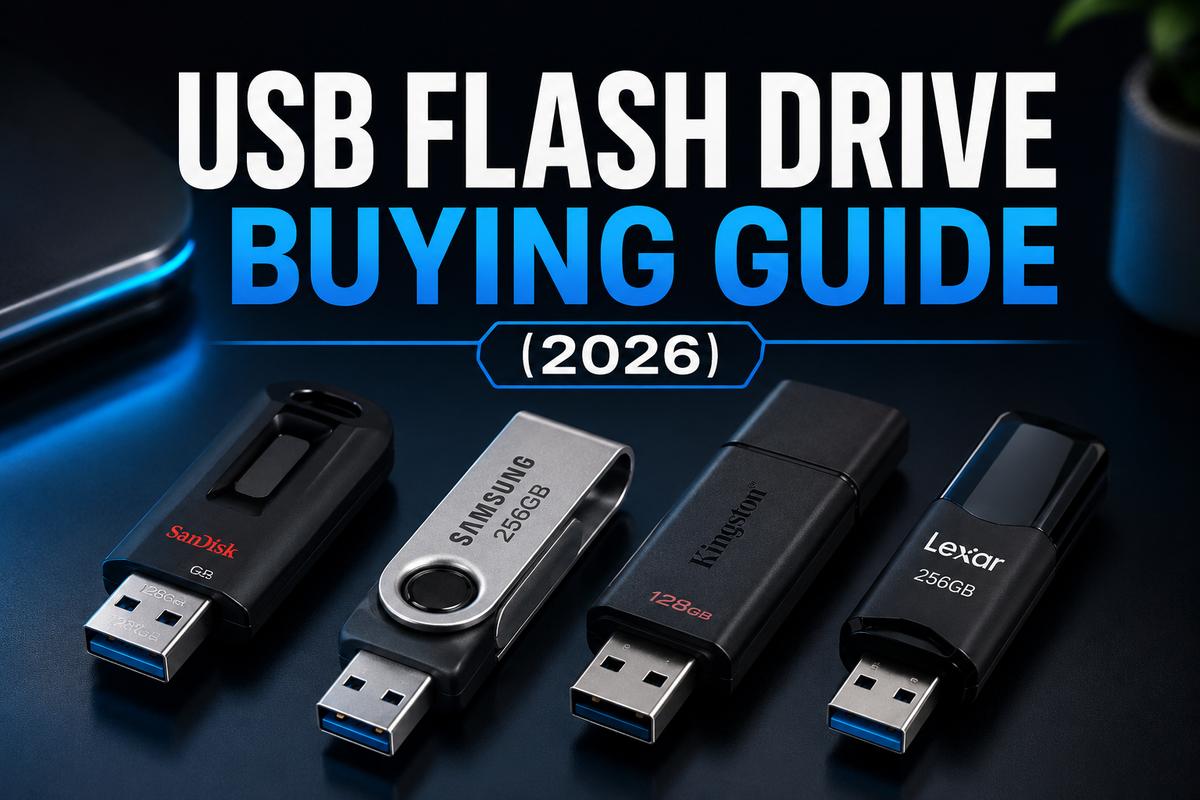

Cloud storage was supposed to kill the USB flash drive years ago. Didn’t happen, obviously. There’s still no faster way to hand someone a file offline. No internet required, no upload wait, no account needed. This guide covers what actually matters when picking one in 2026, since the market’s genuinely gotten more confusing, not less.
If you’re weighing a flash drive against something with more capacity, our external hard drive guide covers that heavier-duty side of portable storage.
USB-A vs USB-C: Check Your Ports First
2TB USB drives and similar high-capacity sticks now commonly come in both USB-A and USB-C connectors. Picking the wrong one is an easy mistake to make. USB-C-only drives won’t physically fit older USB-A ports without an adapter. Newer laptops, especially MacBooks, have moved almost entirely to USB-C. Plenty of desktops and older machines still rely on USB-A, though.
Usb c external hard drive and flash drive options are becoming the default for anyone buying new hardware in 2026. Dual-connector drives exist too, with both a USB-A and USB-C end built in. Genuinely useful if you regularly move files between an older desktop and a newer phone or tablet. Worth the small premium if that’s your situation.
Capacity: How Much Do You Actually Need
2tb usb flash drive and 2tb thumb drive capacities sit at the high end of what’s practical for a stick this size. Terabyte usb drive options in general have gotten dramatically cheaper over the past couple of years. Pricing per gigabyte still favors external SSDs once you’re past 512GB, though. It’s worth comparing both options before assuming the flash drive is automatically the better deal.
1tb usb capacity hits a sweet spot for most people who need more than casual document storage but don’t need the bulk of an external drive. 10 TB USB stick listings do exist on marketplaces, and this is genuinely worth flagging. Legitimate 10TB flash drives in a standard stick form factor don’t really exist yet at consumer prices. Listings claiming that capacity for cheap are almost always counterfeit. They report fake capacity that overwrites your data once you exceed the drive’s real, much smaller size.
Speed: What the Numbers Actually Mean
USB 3.2 Gen 1 and Gen 2 ratings get thrown around loosely in product listings. The difference matters more than marketing copy suggests, honestly. Gen 1 tops out at around 625 MB/s theoretical, and Gen 2 doubles that ceiling. Real-world speeds land well below those numbers, though. Write speed especially, it’s almost always slower than the advertised read speed on any given drive.
If you’re mostly moving small documents and photos casually, speed barely matters at all. If you’re transferring large video files or using the drive as a portable working directory, checking real-world write benchmarks before buying saves real frustration later. The headline number on the box rarely tells the whole story. If raw speed matters more than portability for your use case, our internal SSD guide covers NVMe options that outrun any flash drive by a wide margin.
Durability and Build Quality
Cheap flash drives fail more often than people expect. Especially ones bought purely on price from unfamiliar sellers. Look for drives with a metal or reinforced plastic casing over bare exposed circuit boards. A drive that lives on a keychain takes real physical abuse over time. Water and dust resistance ratings exist on rugged models too, worth considering if the drive travels with you regularly rather than sitting in a drawer somewhere.
Retractable or capped connectors protect the actual USB pins from dust and pocket lint. This matters more than it might sound over a couple of years of daily use. A drive with an exposed, uncapped connector picking up lint and debris is a slow path toward connection failures down the line.
Spotting Fake and Counterfeit Drives
This is a genuinely bigger problem than most buyers realize. Fake drives report false capacity to your operating system. They may show as 2TB or even 10TB, while the actual physical memory chip inside holds only a fraction of that. Once you fill past the real capacity, new files silently overwrite old ones. You often don’t notice until you go looking for something that’s already gone.
According to Tom’s Guide’s flash drive testing, sticking to established brands like SanDisk, Kingston, PNY, and Samsung remains the most reliable way to avoid this problem. Buy from authorized retailers rather than marketplace third-party sellers, and check reviews specifically mentioning verified capacity. If you’ve already bought a drive and want to verify it, free tools like H2testw or F3 write and read back test data across the full claimed capacity. Exposes fakes in a few minutes flat.
Encryption and Security Options
For anyone carrying sensitive files, hardware-encrypted drives are worth the premium over software encryption alone. Models with a physical keypad or biometric unlock, rather than software passwords stored on the host computer, protect data even if the drive is lost or stolen outright. According to PCMag’s security drive coverage, hardware encryption also avoids the performance hit that software-based encryption schemes typically add to transfer speeds.
For casual personal use, this level of security is overkill. For anyone handling client data, financial records, or anything genuinely sensitive, it’s a small price for real peace of mind.
File Systems and Cross-Platform Use
The file system your flash drive ships with determines what it can actually do, and this confusion trips people up constantly. FAT32 is the most universally compatible format, readable by Windows, Mac, Linux, gaming consoles, and just about anything else with a USB port. Its one real limitation is a 4GB single-file size cap, which becomes a problem fast if you’re moving large video files or disk images.
exFAT removes that file size ceiling while keeping broad compatibility across modern Windows and Mac systems, making it the better default for most people in 2026. NTFS works great on Windows but Mac systems can only read it, not write to it, without extra software installed. If a drive doesn’t work the way you expect on a specific device, checking and reformatting to the right file system is usually the actual fix.
Final Thoughts
Match the connector to your actual devices, check real write speeds if you move large files regularly, and buy from established brands to sidestep the counterfeit problem entirely. A well-chosen 128GB to 1TB drive from a reputable name covers nearly everyone’s needs without overpaying for capacity or speed that never actually gets used.