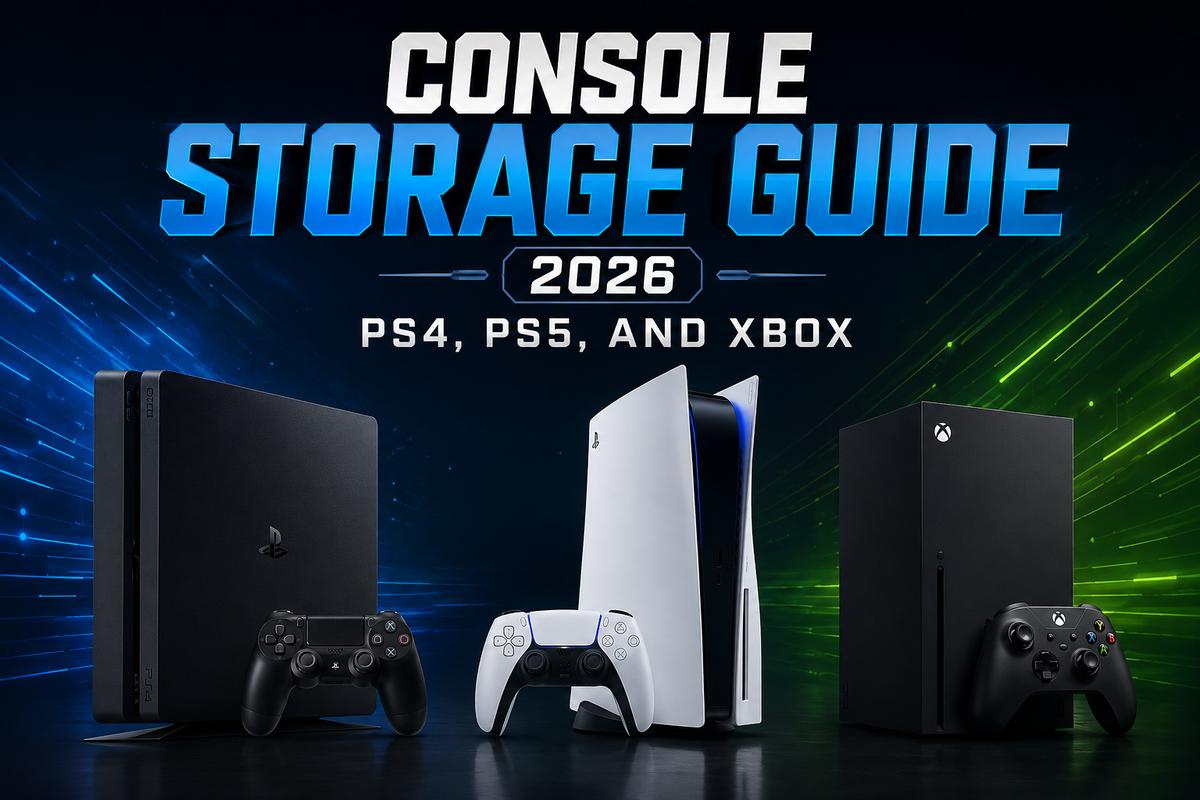

Modern games eat storage fast, and console makers know it. That’s why PS5 and Xbox Series X both shipped with expansion slots baked right in, not as an afterthought years later. Still, figuring out what actually works with your specific console trips up more people than it should.
If you’re weighing internal versus external storage in general, our internal SSD guide and external hard drive breakdown cover the PC side of that same decision.
PS4 Storage Basics
Ps4 hard drive upgrades are still relevant in 2026. Plenty of people are holding onto their PS4 well past when Sony expected. The PS4 officially supports internal 2.5-inch drives up to 2TB. In practice, larger drives often work fine, even though Sony hasn’t officially validated them.
Ps4 external hard disk options are honestly the easier route for most people. The PS4 external disk drive support goes up to 8TB via USB. No need to crack the console open at all. Ps4 storage expansion through external drives works for PS4 games specifically. It’s really the easiest option if opening up the console feels intimidating.
PS5 Storage: Internal Comes First
The PS5 changed the equation entirely. Sony built an M.2 NVMe slot right into the console. It requires a PCIe Gen 4 drive rated at 5,500 MB/s sequential read or faster. Anything slower and the console simply won’t let you use it for PS5 titles.
M.2 nvme ssd for ps5 shopping means checking three things. You should check the speed rating, form factor, and heatsink. Sony’s M.2 slot only fits the 2280 size, so an m.2 2230 drive needs an adapter or just won’t work at all. Are crucial SSDs good for ps5 is a question that comes up a lot. Generally yes, as long as the specific model clears Sony’s speed requirement. Not every Crucial drive does, though, so check the exact model number before buying. According to Kingston’s PS5 upgrade guide, the PS5’s M.2 slot has been the standard expansion path since the console’s 2021 firmware update enabled it.
SATA M.2 SSDs, which use the SATA protocol instead of NVMe despite sharing the M.2 form factor, won’t work in a PS5 at all. This trips people up constantly since both look physically identical on the outside. The PS5 slot is NVMe-only, full stop, no exceptions there.
One more thing worth flagging: Sony requires a heatsink on any expansion drive. Running one without cooling can cause thermal throttling and louder fan noise. Some drives ship with a heatsink included. If yours doesn’t, budget for one separately before installing.
PS5 External Storage
Seagate game drives for ps5 models are pre-licensed and pre-formatted specifically for Sony’s ecosystem. Genuinely convenient if you would rather not mess with formatting yourself. External drives on PS5 can store both PS4 and PS5 games, but here’s the catch. PS5 games can’t actually run from external storage. You can park them there, then shuffle them back to internal storage when you want to play. PS4 games run fine directly from external drives, no shuffling is required for those.
Usb speed matters more on PS5 than people expect. The console’s ports cap at 10Gbps regardless of what your external drive is rated for. A drive claiming 20Gbps transfer speeds still bottlenecks down to whatever the PS5’s ports can actually deliver, so don’t pay extra for speed the console can’t use anyway.
Xbox Series S and Series X Storage
External storage for xbox series s and series x works differently than PS5’s approach. Microsoft’s proprietary Storage Expansion Cards, made by Seagate, plug into a dedicated slot. They deliver identical performance to the console’s internal SSD, since they’re technically an extension of it rather than separate storage entirely.
External HDDs for xbox one and older Xbox models support standard USB external drives for expanding older-generation game libraries. It works similarly to how the PS4 handles it. Xbox one hard drive upgrades follow the same internal 2.5-inch drive logic as the PS4. Official support tops out around 2TB, though larger drives generally work fine without issue in practice. Our internal hard drive guide covers that same 2.5-inch drive logic in more detail if you’re shopping for a replacement.
A Note on PS3 Storage and Legacy Consoles
Older consoles like the PS3 used simpler internal 2.5-inch SATA drives, the same basic hardware still found in laptops today. If you’re restoring or upgrading an old PS3, the SATA drive logic covered in our SSD guide above applies directly, since the console never moved to M.2 or NVMe at all. Swapping the stock mechanical drive for an SSD is one of the single best upgrades you can make to an aging PS3, providing noticeably faster load times for very little money.
Formatting and OS Considerations
Operating systems on solid-state drive setups matter differently for consoles than PCs. Console OS handling is invisible to the user. Sony and Microsoft manage that internally, and you never touch a boot drive the way you would on a PC. External drives for either platform need to be formatted specifically for console use, though, typically exFAT. The console usually walks you through that formatting step automatically the first time you plug a new drive in, so it’s rarely something you need to handle manually.
Buying Advice by Console Generation
If you’re still running a PS4 or Xbox One, an external drive is almost always the smarter first move. Cheap, no console teardown required, and it covers everything that generation of games actually needs. Save the internal upgrade route for situations where you specifically want faster load times on a game that supports it.
For PS5 and Series X owners, the calculus flips. Internal storage is worth prioritizing early, since it’s the only way to actually run current-generation games at full speed. Treat external drives on these consoles as a parking lot for games you’re not actively playing, not a primary storage solution.
Final Thoughts
Match your storage move to your actual console generation. PS4 and Xbox One-era hardware works fine with simple external drives. PS5 and Series X demand specific internal specs if you want games actually running from that expansion storage, not just parked there. Check drive speed and form factor before buying anything. An internal upgrade that doesn’t meet the console’s minimum spec is money wasted on a drive that simply won’t be recognized.