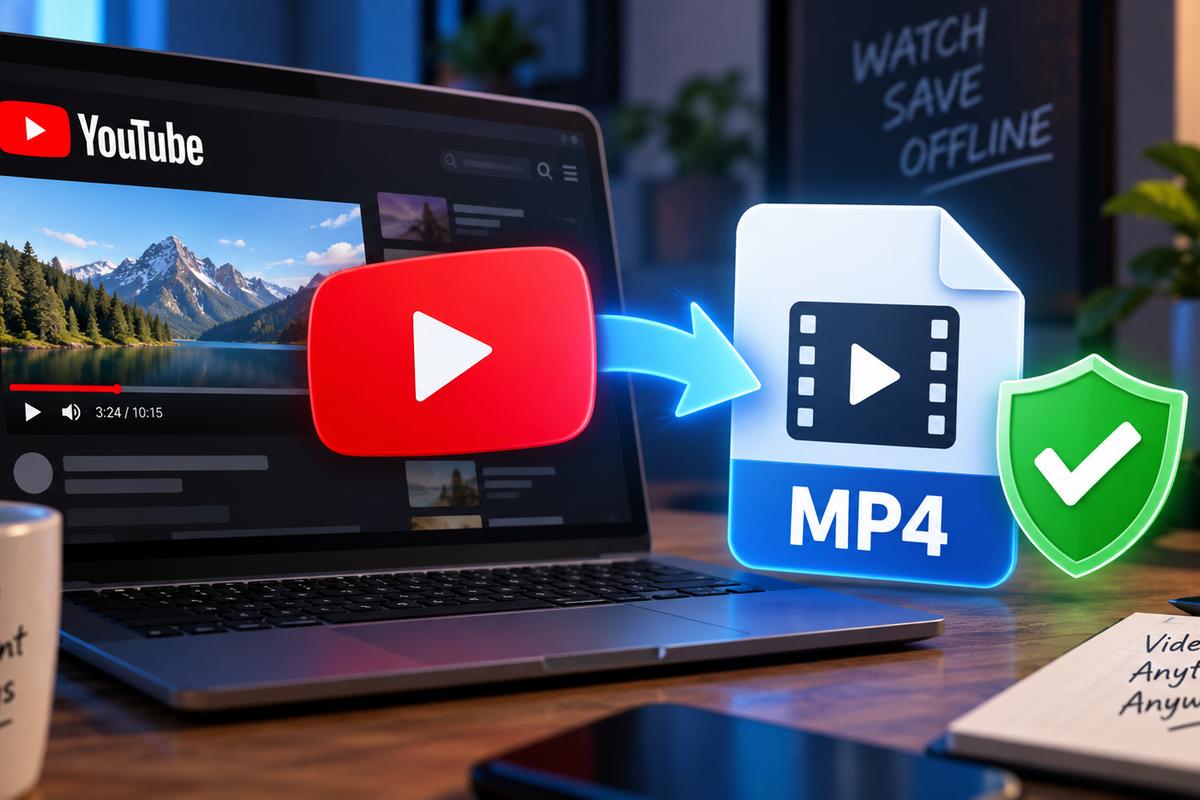
I’ve probably tried fifteen different YouTube to MP4 tools over the past year. Mostly because a video I needed for offline viewing kept disappearing before I got around to watching it.
Here’s the thing about YouTube to MP4 converters in 2026: there are hundreds of them. Most look identical, and about half will try to install something you didn’t ask for.
So let’s actually talk about which ones work and which formats make sense for what you’re doing. There’s also the question of where the legal line sits right now. That last part has shifted more than people realize.
Why People Still Convert YouTube Videos
Streaming is everywhere, sure. But offline access still matters more than tech writers like to admit. Flights without wifi. Gym playlists. A lecture you want to watch twice without burning data. A tutorial you’re worried will get taken down.
I keep a small folder of videos I’ve grabbed for exactly these reasons, and I’m not embarrassed about it. Most people converting a youtube video and download it aren’t trying to pirate a movie. They just want the file on their own device, under their own control.
The Actual Tools Worth Using
For straight video downloads, y2mate has stuck around longer than most competitors. There’s a reason for that. It’s fast, it doesn’t demand an account, and it handles resolution options without much fuss. ssyoutube works on a similar principle. Type the prefix into a YouTube URL and skip the middleman site entirely.
If you want something closer to a dedicated app experience, yt1s is worth a look. A handful of free youtube downloader tools cover the basics well enough too. None of them are going to blow you away with features, but that’s kind of the point. You want the file, not a subscription.
For higher-quality grabs, look for a youtube downloader 4K option specifically. A lot of converters cap out at 1080p by default and bury the 4K setting somewhere you’ll miss it. The same goes for youtube video downloader 4K tools aimed at desktop use. Worth the extra click.
One thing worth flagging before you go tool-shopping: researchers have tracked a growing wave of fake “free software” videos on YouTube itself that push infostealer malware through disguised download links. It’s not the converters themselves causing the problem, but the broader ecosystem of “free download” promises is exactly where that kind of thing thrives. Stick to tools with a track record.
Converting to MP3 (and Actually Getting Good Audio)
Video isn’t always the goal. Sometimes you just want the audio, and this is where things get a little more crowded. ezmp3 and 2mp3convert are both straightforward if you’re pasting a link and want an mp3 back within seconds.
I’ll admit a mild bias here. Y2mate.com does audio extraction reasonably well too. Since I already trust it for video, I’ve never had a strong reason to switch tools for the audio side. That’s probably lazy on my part. A mp3 youtube converter built specifically for audio might squeeze out slightly better bitrate control. If you’re picky about sound quality, it’s worth testing one against the other.
If your goal is genuinely to convert youtube to mp3 for something like a podcast archive, pay attention to bitrate settings. Do it before you hit download, not after. Most tools default to something mediocre, and you won’t notice until you’re already editing.
For quick one-off grabs where you don’t care about tinkering, y2mp3 and similar single-purpose sites do the job. You paste, you wait ten seconds, and you’re done. There’s honestly not a lot separating them from each other beyond ad load and how many popups you have to close first.
What About WAV Files?
Less common, but not rare. Musicians and podcast editors often need a youtube to wav conversion instead of MP3. WAV keeps things uncompressed, which makes it easier to work with in editing software later. A yt to wav tool isn’t hard to find, but the selection is thinner than MP3 options. Expect fewer choices and slightly clunkier interfaces.
Grabbing Shorts Without the Hassle
Shorts complicate things slightly because the aspect ratio and file structure differ from regular uploads. A youtube shorts downloader built for that format tends to work more reliably. A general-purpose tool that just happens to also handle Shorts as an afterthought usually stumbles on the aspect ratio.
If you’re trying to download youtube shorts in bulk, say for a compilation project, look specifically for tools that mention batch downloading. Most don’t advertise it clearly, and you’ll waste time pasting links one at a time otherwise.
Is There a Desktop App Worth Installing?
Yes, if you download a lot. Allavsoft is the one desktop tool I’d actually consider keeping installed, and it runs on both Windows and Mac. It’s paid software with a fairly limited free trial, and licenses start at around $19.99 for a month.
Sure, further down I say I’d skip anything that demands an app install before you’ve even pasted a link. But that’s about sketchy converter sites pushing random installers. An established desktop downloader is a different thing, and browser tools hit a wall pretty fast once you’re grabbing more than a few videos a week.
Allavsoft covers way more than YouTube. It pulls video from Vimeo, Facebook, Twitter, and Dailymotion, plus news and streaming sites like CNN, BBC, ESPN, and PBS. Crunchyroll and Acorn TV are on the list too. You can save files as MP4, MOV, AVI, WMV, MKV, or FLV. That’s more of a format choice than any of the web converters above give you.
The audio side is just as broad. It grabs music from YouTube, SoundCloud, Mixcloud, Beatport, Deezer, Qobuz, and Spotify. Output options include MP3, WAV, FLAC, M4A, and WMA. So if the thin WAV selection I mentioned earlier bugged you, this pretty much solves it.
The Features That Actually Matter
Batch downloads. You can paste several URLs or a whole playlist link and let it run. This is exactly what I was wishing for in the Shorts section. Honestly, it’s the main reason to bother with a desktop app at all.
Ad skipping. It spots ads automatically and leaves them out of the download. Small thing. Saves a lot of trimming later.
Built-in player. There’s a player inside the app, so you can preview a file before moving it anywhere. Handy for checking you grabbed the right quality, too.
Easy transfers. Your videos, music, and subtitles play fine in Windows Media Player, QuickTime, or iTunes. They also move over to an iPhone, iPad, or Android phone for offline viewing without much fuss.
Record option. Some sites block downloads outright. For those, there’s a screen recorder built in.
It’s not flawless. A YouTube or Windows update occasionally breaks it until a fix rolls out, and the interface feels a bit dated. Also, music services like Spotify sit in a much grayer area than public YouTube videos. Which brings me to the legal side.
The Legal Situation Has Actually Changed
This part matters more than it did a year ago. A federal court in California ruled in early 2026 that bypassing YouTube’s access-control system can trigger DMCA liability. That system, the so-called rolling cipher, was at the center of the case even though the underlying video was public and freely viewable. The dispute involved two creators arguing over reused footage, not a random personal download. Still, the reasoning applies more broadly than that one case suggests, and legal writers have been covering the fallout since it came down.
What this doesn’t mean is that grabbing a video for personal offline viewing suddenly makes you a target. Enforcement against individual users remains close to nonexistent, and nothing about this ruling changes that in practice. What it does mean is that the legal footing under stream-ripping tools is shakier than the marketing copy on those tool sites tends to admit. Re-uploading someone else’s content, especially for monetization, is where actual risk starts.
I’m not a lawyer, and neither is the download button you’re about to click. Use your own judgment.
My Honest Pick
If someone forced me to use exactly one tool going forward, I’d pick y2mate. It handles youtube mp4 downloads and audio extraction well enough that I don’t need a second bookmark for most tasks. For a dedicated yt downloader experience with slightly more polish, ytmp4 and similar single-function sites are fine backups, though I don’t reach for them often.
What I’d skip: any converter site that demands an app install before you’ve even pasted a link, and any site that buries the actual download button under three fake ones. You’ll know it when you see it.
None of this is a perfect system. Half these tools will probably change their interface by the time you read this, and a couple will vanish entirely. That’s just how this corner of the internet works.