
AI-generated illustration
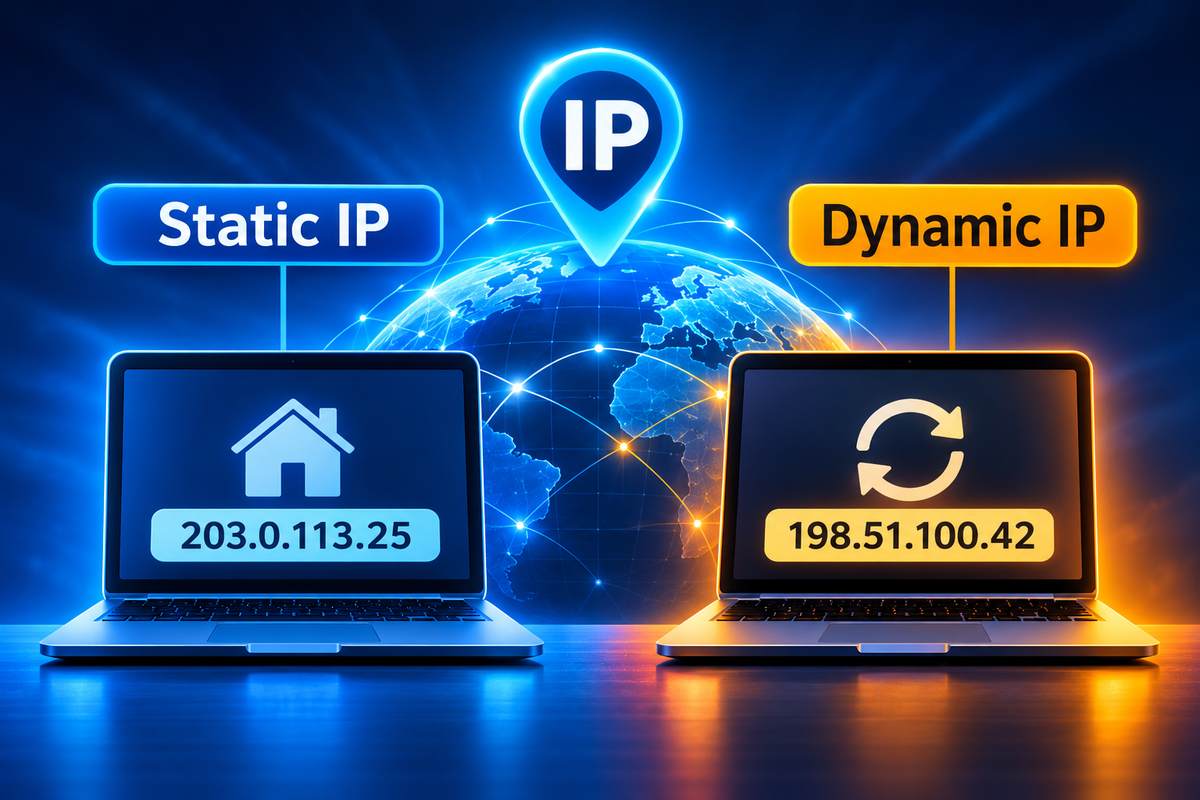
A static IP is an IP address that does not change. Your internet provider, or your router, gives a device the same address every time it connects. Most homes don’t have one. They have a dynamic IP, which can change when the router restarts.
I’ll be honest, I’ve never set a static IP in my life. Never forwarded a port either. The only time I’ve cared about my IP was when I wanted to change it, to open some blocked sites. So this is written from that side. What it is, who actually needs it, and how to set it up if you’re one of them.
What Is a Static IP Address?
A static IP address is a fixed number that points to your device or your network, and it stays the same. That’s it. If you’ve ever asked what a fixed IP is, it’s the same thing with a different name. The static IP definition is just that: an address given to you for good, not lent to you for a while.
Think of it like this. A dynamic IP is a hotel room. Every visit, a new room. A static IP is your own house. The address on the door stays the same.
There are two kinds:
- Public static IP. Your internet provider gives it to your whole connection. The internet sees this one.
- Private static IP. Your router gives it to one device at home, like a printer. Only your home network sees it.
When people ask for a static IP, they usually mean the public one. And that’s the one that costs money. The static IP meaning gets mixed up a lot because of this.
Dynamic vs Static IP: What’s the Difference?
In the dynamic vs static IP question, the difference is simple. A dynamic IP changes. A static IP stays put. Dynamic comes free with normal home plans, and static usually costs extra.
So what is a dynamic IP? It’s an address your provider lends you from a pool. Go offline for a while and someone else may get it. You get a new one. Providers like this because there aren’t enough IPv4 addresses for everyone.
The static vs dynamic trade-offs mostly come down to this. Static is reliable. Things can always find you. Dynamic is a bit more private, since your address keeps moving.
Static IP address vs DHCP
DHCP is the system that hands out dynamic addresses on its own. Your router uses it for your phone and laptop. Your provider uses it for your connection.
You’ve probably seen IP settings that ask DHCP or static, and wondered about the meaning. DHCP means the network picks an address for you. Static means you type one in. For almost every device, leave it on DHCP.
Does Your IP Address Change?
Yes, if it’s dynamic. It can change when your router restarts, after a power cut, or when the lease runs out. Some providers keep the same one for months. Others change it every few days.
Will my IP address change if I move? Yes. Does your IP address change with location? Also yes, because the IP belongs to the network you’re on, not to you. Home Wi-Fi gives your phone one IP. Mobile data gives it another one.
This is the part I actually know. When some sites wouldn’t open for me, I changed my IP using a VPN. Turn it on, pick a country, and the site sees a new IP. Restarting the router can also give you a new one, but not always. It depends on your provider.
So if you notice your IP address changed for no reason, don’t worry. That’s normal. If pages suddenly load slowly after that, though, it’s usually DNS, not the IP. My guide on how to fix slow DNS lookup covers that.
Who Actually Needs a Static IP?
Most people don’t. Browsing, YouTube, gaming, video calls, all of it works fine on a dynamic IP. I’ve gone years without one and never missed it.
You need one when other people or devices have to find you at the same address every time:
- Running a server at home. A website or game server needs an address that doesn’t move.
- Remote access. Getting into your home files or PC from outside is much easier.
- Security cameras. Some camera systems work better when the address never changes.
- Work logins. Some office systems only allow logins from approved IPs.
For gaming, I think it’s overrated. It won’t lower your ping, it won’t make anything faster, and it only helps if you host a game for friends.
How Much Does a Static IP Cost?
Static IP cost depends on your provider. Many only offer it on business plans. Usually it’s a monthly add-on, not a one-time fee. Some home plans don’t offer it at all.
Prices are going up, not down, because IPv4 addresses are running out. So call your provider first and ask if they even have it on your plan.
There’s a cheaper way too. A lot of VPNs sell a dedicated IP as an add-on. You get one fixed IP, plus the VPN on top. I explain how the VPN part works in my guide on what a VPN tunnel is. It’s not great for running a server. But for work logins, it does the job.
How to Get a Static IP Address
For a public one, you have to ask your provider. That’s the only way to get a static IP address on your connection. They’ll set it up and give you the details.
For devices at home, you don’t need anyone. If you’re wondering how to give a static IP to a printer or NAS, there are two ways:
- Reserve it on the router. This is the easier way to assign a static IP address. You tell the router to always give that device the same address. Nothing changes on the device.
- Set it on the device. You type the address into the device’s network settings. Setting an IP address by hand is quick. But if you pick one the router already gave to something else, things break.
I’d go with the router way. Less to go wrong.
How to change router IP settings
To change your router’s own IP, open its settings page and go to LAN settings. You’ll see the router’s address and the DHCP range there. You rarely need to change it. It helps when two routers clash on the same address, though.
How to Set a Static IP on Windows 11
Setting a static IP on Windows 11 takes about two minutes. You switch IP assignment from Automatic to Manual and type in the details. Here’s how to set it up:
- Open Settings, then Network & internet.
- Click Ethernet or Wi-Fi, then your connection’s properties.
- Click Edit next to IP assignment and choose Manual.
- Turn on IPv4 and type the IP, subnet mask, gateway and DNS.
- Click Save.
Write down your current settings first. The new address has to be in the same range as your network. This Windows static IP walkthrough has screenshots for each step. The steps for how to configure a static IP address on a Mac are pretty similar, just in different menus.
Now, if you only want to change your IP address on Windows 11 to get a new one, that’s a different thing. You don’t need any of this. Use a VPN, like I did. That’s also the simple answer if you’re asking how do I change my IP address on my computer.
How to Change Your IP Address on iPhone and Android
To change your IP address on an iPhone, open Settings, then Wi-Fi, and tap the “i” next to your network. Tap Configure IP, then Manual, and type the address. Switch back to Automatic the same way.
I use an iPhone, and I’ve never needed to do this. Most people looking up how to change their IP address on a phone just want a new IP. For that, a VPN app is way easier. Or turn Wi-Fi off and use mobile data.
Android is different on every brand. On most phones, go to Wi-Fi, long-press your network, then tap Modify or the gear icon. Under Advanced, change IP settings from DHCP to Static. That’s how to change an IP address on Android on most phones. Menu names change a little between Samsung, Pixel and others.
Is a Static IP Safe?
It’s safe enough, but it’s a bit easier to target than a dynamic one. People know exactly where to find you. And if your address gets blacklisted, you’re stuck with it.
So if you get one, lock things down. Use a strong router password. Keep the router updated. Don’t open ports you don’t use. A VPN helps too, and my article on what a VPN router is shows how to cover the whole house at once.
Frequently Asked Questions
Not really. It won’t lower ping or make games faster. It only helps if you host a game server that friends need to join.
No, it’s a little riskier. A fixed address is easier to track. A dynamic one keeps changing, which is a small plus for privacy.
At home, yes. Reserving an address on your router is free. A public static IP from your provider usually costs extra.
For your public IP, search “what is my IP” in any browser. For a device’s own IP, check its Wi-Fi details in the network settings.
Should You Get a Static IP?
Only if something needs to find you. A home server, remote access, cameras. Those are good reasons. Faster gaming is not.
For me, I’ve never needed one. Changing my IP has been way more useful than keeping it the same. IPv6 might change all this one day, since it has enough addresses for everything. That day is still a long way off.