
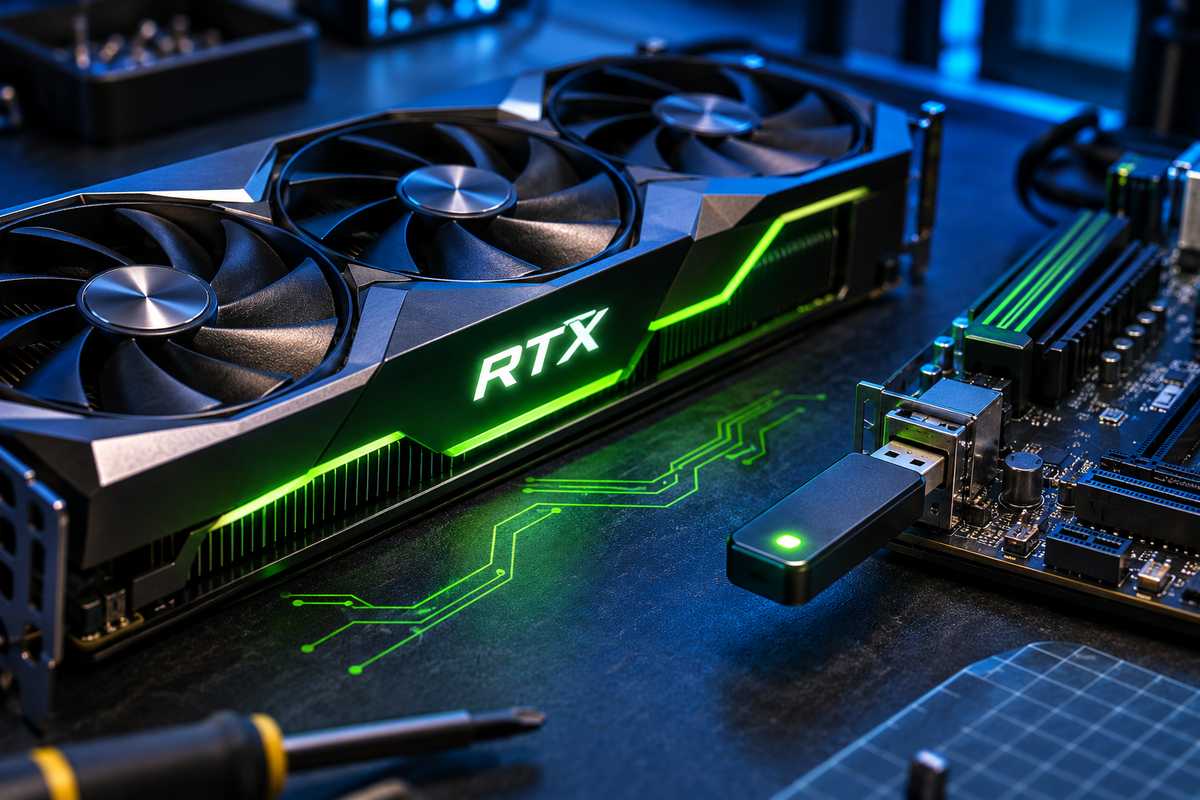
AI-generated illustration
An NVIDIA GPU unlocker that runs from a USB stick is drawing attention from local AI fans this week. The free open-source tool, nv-uefi-unlocker, targets a limit that holds FP16 math on some RTX 20, 30, and 40 series cards to half speed. The developer reports gains of up to 65 percent. The tool runs before Windows loads, and you need to run it again on every boot. If you’re building a local AI setup, that extra throughput could matter. It also comes with real tradeoffs, which we cover below.
What the NVIDIA GPU unlocker does
The tool doesn’t flash the GPU’s BIOS or change your driver. You format a FAT32 USB stick, boot from it, and launch the tool from the one-time boot menu within 30 seconds. It then opens a write lock on two speed-selector registers, which lets the tensor units run at full rate. Those tensor units handle the matrix math behind many AI workloads, so the speed limit matters most for local inference and training experiments. The unlock disappears after a power cycle, so you rerun it each time you start the PC. The project’s download contains only scripts and self-built binaries. A script then fetches NVIDIA’s public driver packages and rebuilds the firmware files on your own machine.
How big are the gains?
In the developer’s test on an RTX 4060 Laptop, FP16 throughput rose from about 29.9 to 49.3 TFLOPS. That’s the 65 percent headline. Owner reports vary more. Tom’s Hardware cites roughly 75 percent on an RTX 2070, about 1.8 times on an RTX 3060 12GB, and about 1.9 times on an RTX 4080 in BF16 tests. The tests weren’t identical, so don’t compare numbers across cards. Gains also depend on power and thermal limits. Pushing harder can exceed factory envelopes, so keep an eye on temperatures and power draw. For local AI work, the difference shows up as faster responses from models you run yourself, though the exact gain depends on the model and batch size.
Which cards are supported?
RTX 20, 30, and 40 series desktops and laptops are covered. Pre-Turing cards and RTX 50 series cards aren’t supported. The RTX 2080 and 2080 Ti reportedly fail at boot and are under review. RTX 20 owners also need to switch the driver to GSP firmware mode and restart before running the tool, and some RTX 20 models have known issues even after that. GTX 16 cards are listed as theoretically compatible, but verification is still pending. AMD owners can’t use this tool. If you’re considering an AMD option, our RX 9070 XT guide covers its power draw and partner models.
Risks to know before you try it
Secure Boot must be off, or you need to trust a self-signed EFI file. That can break games with anti-cheat systems that require Secure Boot, so check your games first. Laptops need the discrete GPU powered on at boot, and dGPU-only or MUX mode is recommended. Thunderbolt eGPU setups may not keep the unlock. The original Windows unlock author has warned against unofficial Windows installers, so only use the project’s own files. The project also doesn’t yet include a per-card safety check. It has no firm dates for further fixes, and a planned boot-from-disk option would make setup easier. Until then, expect a manual process that takes some patience.
What you should do
Back up your data before you boot from a USB stick. Check the supported list for your exact card first, and confirm your model in the project’s notes rather than assuming it works. Download only from the project’s GitHub repository. If you game on the PC, decide whether you can live without Secure Boot before you change it. Watch temperatures over the first few sessions, because the extra throughput draws more power, and a higher power limit adds heat. If you run the tool for AI work, benchmark your own model before and after so you know what the change is worth on your setup.
Update: This post is based on early tests from the developer and owners. We’ll update it when independent benchmarks are published.