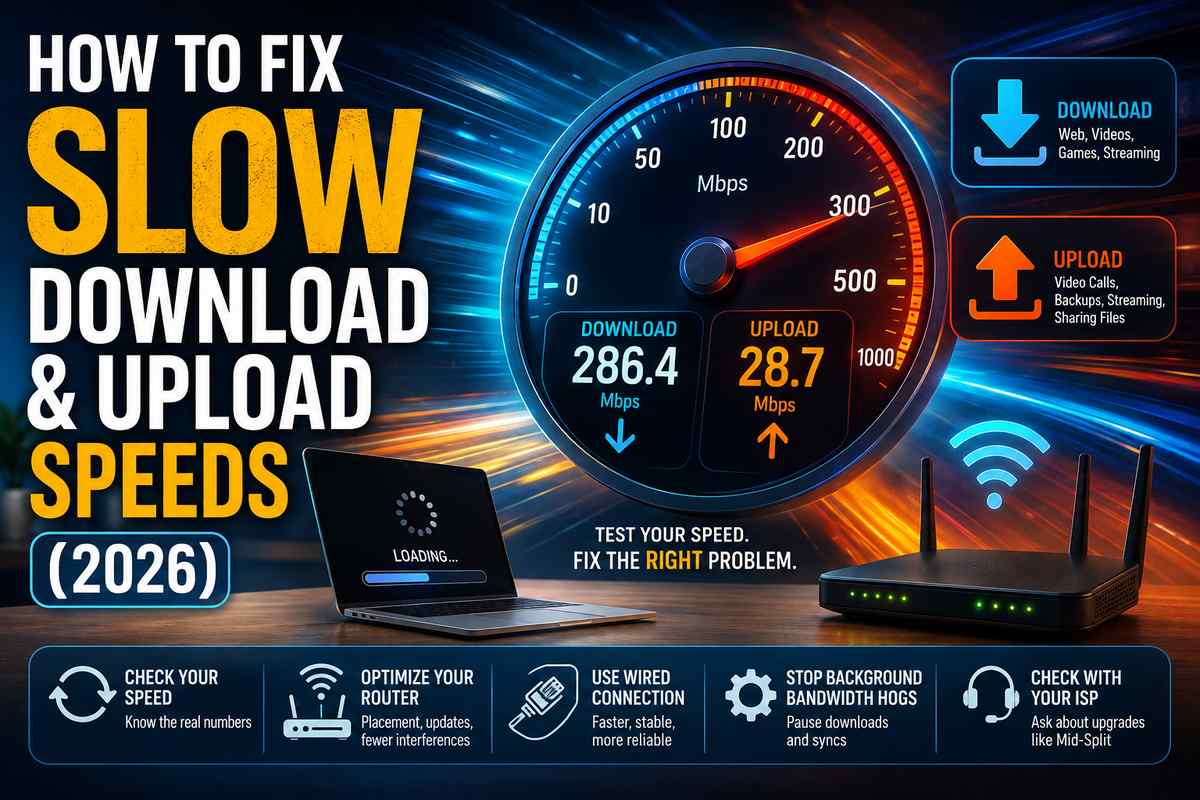

Two very different problems get lumped together under “slow internet,” and they usually need different fixes. Download speed is slow, meaning pages, videos, and downloads crawl. Upload speed slow means video calls freeze, cloud backups take forever, and streaming to Twitch or uploading to YouTube turns into a nightmare. Here’s how to actually tell which one you’re dealing with, and what fixes each.
Quick gut check before diving in: run a speed test right now if you haven’t already. Note both numbers separately. Most of what follows depends on knowing which one’s actually the problem.
Download vs Upload: What’s Actually Different
Download speed measures how fast data comes to you, web pages, videos, and game downloads. Upload speed measures how fast data leaves your device, video call feeds, cloud backups, sending files, and live streaming.
Here’s the part that trips people up: on almost every home internet plan, download speed vs upload speed isn’t remotely symmetric. A 500 Mbps cable plan might only deliver 20 to 35 Mbps upload. That’s not a malfunction. It’s how cable and DSL networks were built decades ago, back when web browsing (heavy download, light upload) was basically the only thing people did online.
The difference between upload and download speed comes down to how ISPs allocate bandwidth across the connection. Downstream gets the bulk of the bandwidth because historically that’s where demand was. Fiber is the one major exception, it’s physically capable of symmetric speeds in both directions, though plenty of fiber ISPs still cap upload lower than download anyway for pricing reasons.
So if you’ve ever wondered why download speed is slower than upload, that’s actually backwards for most connections. It’s almost always the reverse, upload trails download by design.
What Actually Counts as Good Speed in 2026
What is a decent internet speed depends entirely on what you’re doing, not on some universal number. CNET’s speed benchmarks put basic browsing and one-person streaming comfortably at 25 to 50 Mbps download. For a household with multiple 4K streams, gaming, and video calls running simultaneously, 200 to 500Mbps is more realistic.
Upload matters more than people assume too. A good download and upload speed pairing for remote work and video calls looks like at least 10 to 20 Mbps upload, lower than that and Zoom or Teams calls start dropping quality or freezing under load.
What is a good download speed for wifi specifically (as opposed to wired) should account for some real-world loss, expect 20 to 30% less than your plan’s advertised max once you factor in Wi-Fi overhead and distance from the router.
Why Your Download Speed Is Actually Slow
If download speed is slow across every device and every website, start with the basics: too many devices competing for bandwidth, an outdated router that can’t handle your plan’s actual speed, or Wi-Fi interference from walls and other electronics.
Why is my download speed so slow on my PC but fine on my phone? It points toward something local to that machine, outdated network drivers, a misconfigured antivirus scanning every download in real time, or a wired connection with a bad cable rather than the network itself.
Slow download speeds that show up only at certain times of day usually mean neighborhood congestion during peak hours, most commonly evenings between 7 and 10pm when everyone’s home streaming at once.
How to Fix Slow Download Speeds
Start with the router. Restart it, then check it’s positioned centrally and not buried behind furniture or inside a cabinet. This alone fixes how to make my download speed faster more often than people expect.
Next, check for background downloads eating bandwidth silently, OS updates, game client downloads, and cloud sync services. Pause these before running a speed test so you’re measuring your actual available speed rather than what’s left over.
If you want to maximize download speed specifically for one task like a large file transfer, connect via Ethernet instead of Wi-Fi. Wired connections consistently outperform wireless for raw throughput since there’s no signal loss to interference or distance.
If none of this moves the needle and horrendously slow download speeds keep happening at the same time every day, that’s likely your ISP throttling during peak congestion, so it’s worth calling to ask directly rather than assuming it’s your equipment. And if a download speed test comes back fine but everyday browsing still feels sluggish, that’s often a Wi-Fi problem rather than a plan problem, my why is my internet so slow guide covers the router and signal-side causes a wired speed test won’t catch.
Why Your Upload Speed Is Actually Slow
This is the bigger cluster of complaints, and for good reason, upload speed is slow is the normal state of most home connections, not an error. SpeedTestHQ’s breakdown of the asymmetry explains it well: cable and DSL physically allocate more bandwidth to downstream than upstream, a design decision baked into the infrastructure decades ago, not something that changed recently.
Spectrum upload speed slow complaints specifically often trace back to legacy cable infrastructure that hasn’t been upgraded yet. The encouraging news for 2026: major cable providers including Spectrum, Xfinity, and Cox are actively rolling out Mid-Split and High-Split upgrades that reallocate more spectrum to uploads, pushing upstream speeds from the old 35Mbps ceiling up toward 100 to 400Mbps in upgraded areas.
If upload performance genuinely matters to your daily use, fiber internet upload speed is the real fix, because symmetric fiber plans exist specifically to support equal speeds in both directions, unlike cable.
How to Actually Fix Slow Upload Speeds
First, confirm you’re not chasing a problem that doesn’t exist, check your actual plan’s advertised upload speed before assuming something’s broken. A lot of “why are my upload speeds so slow” complaints turn out to be normal performance for that specific plan tier.
If your upload speed is genuinely below what you’re paying for, background apps are often the cause. Cloud backup services (Google Photos, iCloud, Dropbox) sync constantly and silently, eating upload bandwidth. Pause them temporarily and retest.
To increase upload speed on 5G internet, focus on signal strength above all else. Move closer to a window or check if your carrier has recently expanded coverage in your area.
For gaming or streaming specifically, where upload is relevant for voice chat and stream quality, connecting via Ethernet removes Wi-Fi as a variable entirely, and it’s worth pairing with a look at what else might be adding lag on the connection. I cover that ground in more depth in my how to reduce ping guide.
If none of the above moves the number and you’re on cable, call your provider and ask specifically about Mid-Split or High-Split upgrades in your area. For anyone stuck on outdated upload infrastructure, this is actually the largest lever available in 2026.